

Step 1
Select ‘UPS Shipments’ as the report type


Run your Logistics and Post-Purchase Experience on the Salesforce Platform.
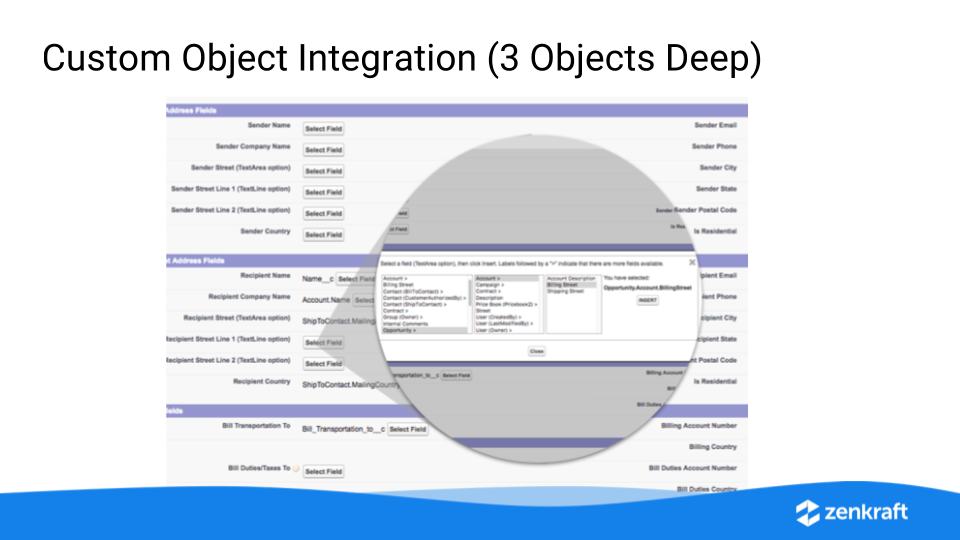
In this latest product update webinar we will show you our newest feature allowing you to pull data from fields three objects away.
This is great if you create Returns from Cases, you can pull related contact and product data directly into the shipping wizard for one-click shipping without ever creating a formula field!
This webinar will last 30 and wi...
Continue reading »
This post will show you how you can upload ups tracking numbers from a CSV file into salesforce, and have our UPS app provide you with tracking updates.
For this example we will use a Sales Order object that has two fields. One for the tracking number and one for the ship date you will be uploading.
 Continue reading »
In this video I will show you how to create a shipment with one click using the process builder and invoking apex methods.